

Sorry, your cart is empty :(
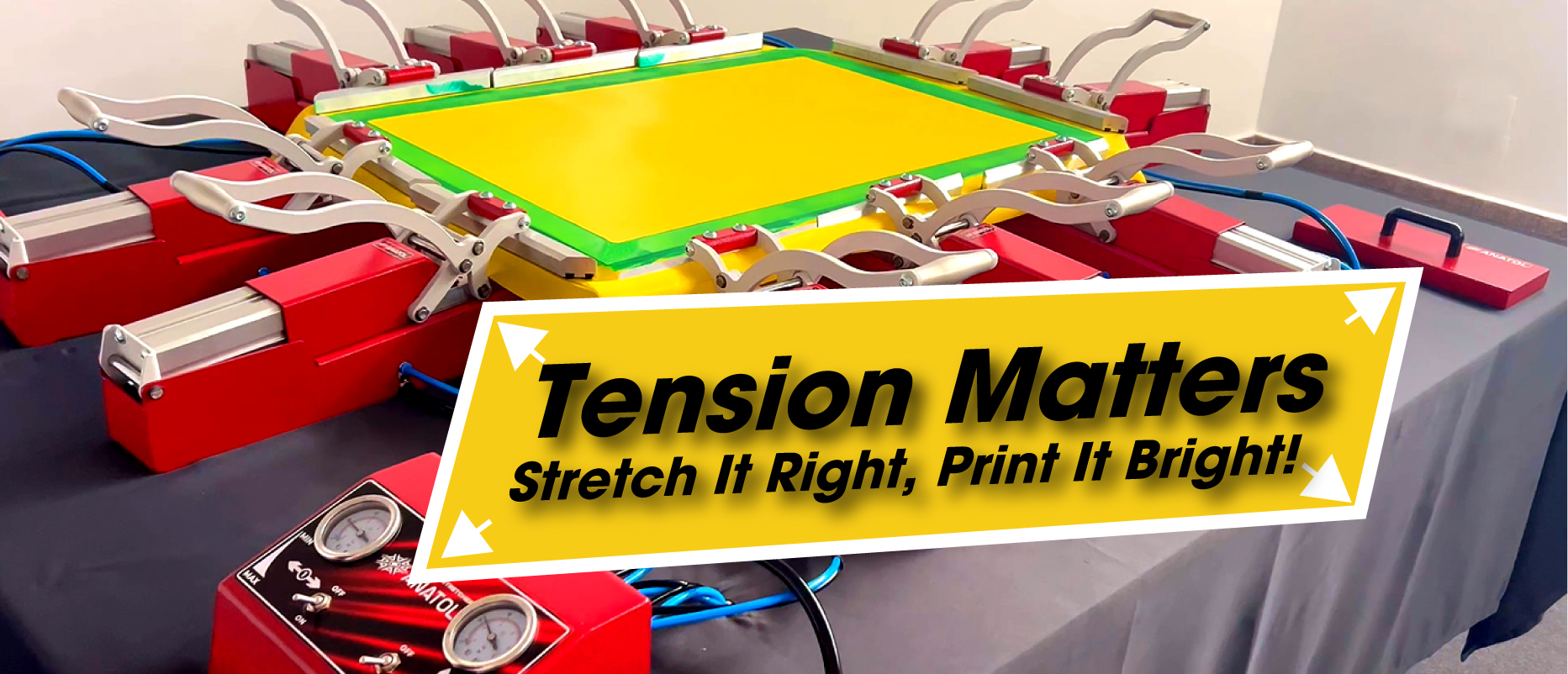
How Proper Mesh Tension Transforms Print Quality, Speed, and Consistency — And How Anatol Stretchers Help You Achieve It
In screen printing, few factors influence print quality and production speed as much as screen tension. High, consistent mesh tension ensures fast snap-off, clean ink release, sharp details, and smooth flooding. Low tension, on the other hand, slows production, causes smearing, uneven ink deposits, and leads to rapid stencil and mesh wear.
This guide breaks down why screen tension matters, explains the mechanics behind efficient printing, and provides a step-by-step tutorial on using an Anatol pneumatic screen stretcher — one of the most reliable tools for achieving high-tension, production-ready screens.
Perfect for:
✔ Screen print shops upgrading to higher speed
✔ Printers adopting automatic presses
✔ Shops struggling with smearing, slow peel, or inconsistent ink deposit
✔ Anyone aiming for sharper detail and faster throughput
In printing methods like flexography or lithography, ink transfers from rigid plates at high speed. In screen printing, however, the mesh is flexible — meaning it must move, stretch, and snap back with every stroke.
The pace of this snap-off (also called peel or release) is what ultimately limits print speed.
This is where mesh tension becomes critical.
Low tension (under 25 N) creates several limitations:
Thick or tacky inks — white, metallic, fluorescent, puff — act like glue.
At low tension, the mesh cannot overpower the tackiness fast enough.
Result:
❌ Smeeared prints
❌ Half-moon release pattern
❌ Squeegee outruns the mesh
On automatic presses, every head must wait for the mesh to peel before lifting.
This slows cycle time by 20–50%.
At low tension, the mesh sags under the floodbar, causing:
Low tension forces printers to use:
All of which accelerate wear on squeegees, meshes, and emulsion — adding cost and reducing print quality.
High-tension screens (40–50 N and above) fundamentally improve the entire print process.
✔ Faster mesh snap-off
✔ Sharper details and cleaner edges
✔ More consistent ink distribution
✔ Less stencil wear
✔ Faster production cycles
✔ Reduced operator fatigue
✔ Superior performance with underbases and specialty inks
At around 50 N, many shops report up to 57% increase in hourly output.
At tensions approaching 80–100 N, performance increases even more dramatically.
Anatol pneumatic stretchers are engineered to deliver repeatable, even tension across all frame sizes. Here’s how to use them properly.
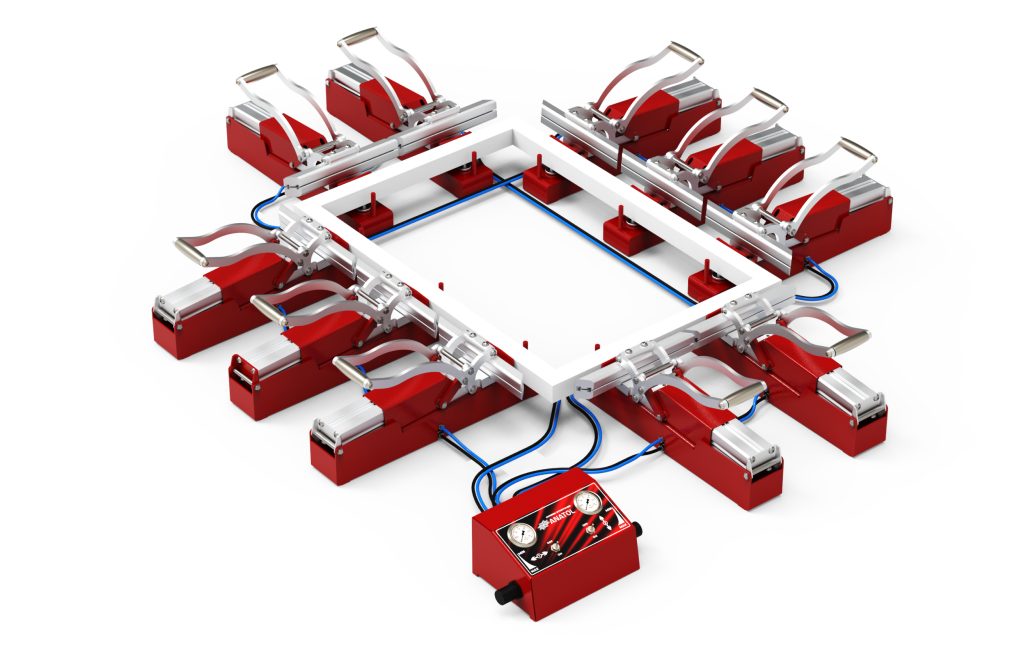
Why this matters:
Stable air pressure = stable tension. Uneven pressure causes uneven stretch.
Why this matters:
Clamp spacing determines force distribution. Uneven spacing causes uneven peel and tension loss during printing.
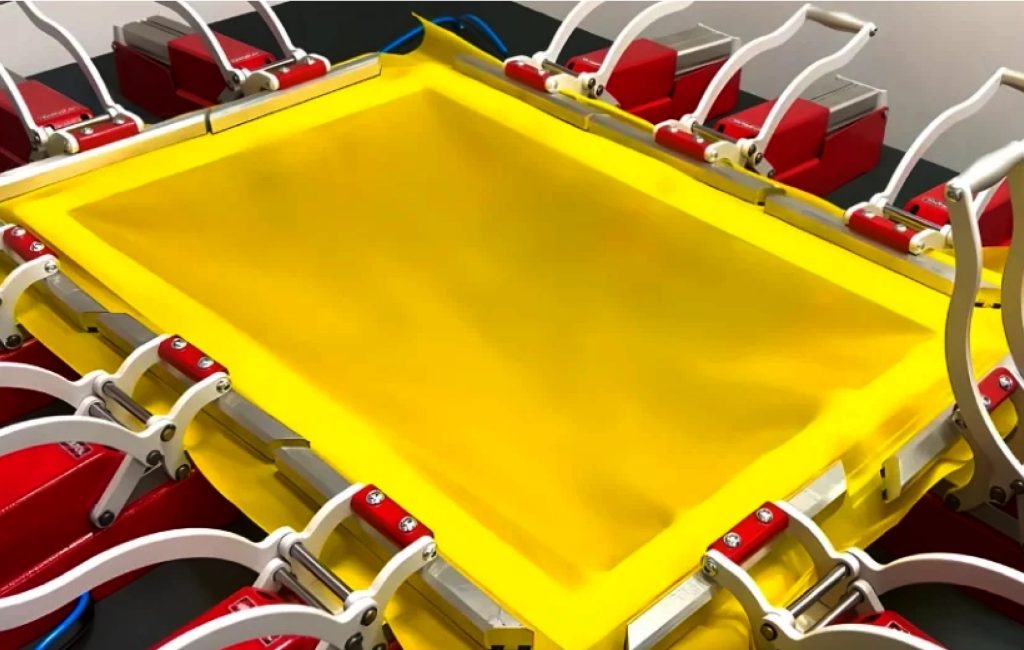
Use the Anatol control box to adjust both mesh directions independently.
Start with:
Why this matters:
Balanced pre-tension prevents distortion and prepares the mesh for high tension without tearing.
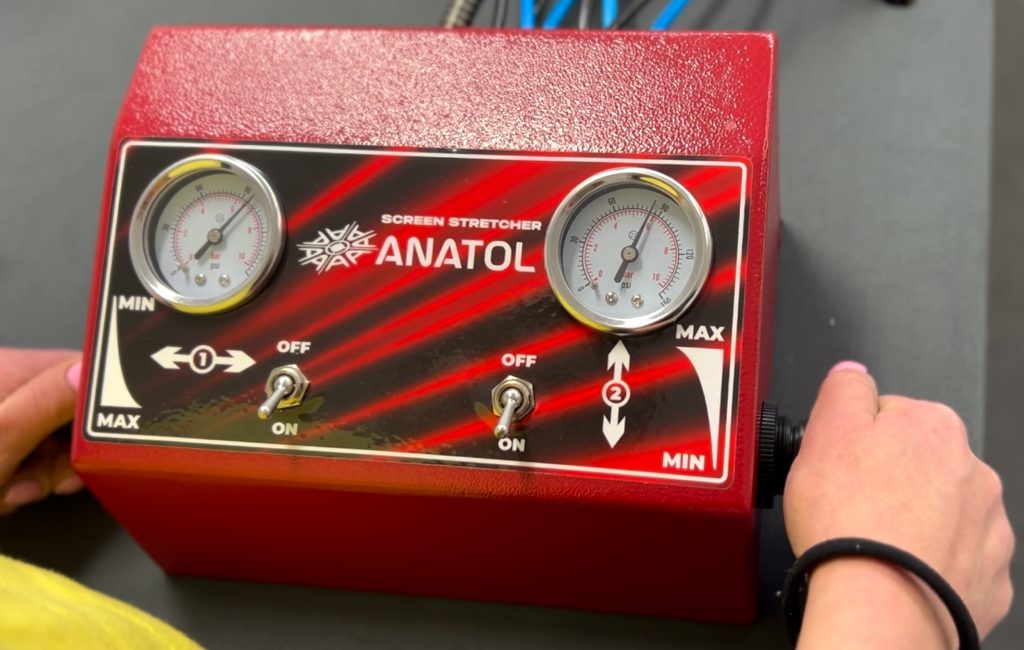
Activate pneumatic pulling.
Watch the tension meter as the mesh tightens.
Recommended stages:
Why this matters:
High tension ensures instantaneous snap-off, consistent flooding, and clean prints even with thick ink deposits.
Mesh naturally relaxes after stretching.
Professional process:
Why this matters:
This creates long-term tension stability — screens won’t lose tension on press.
Secure mesh to frame using glue while clamps remain engaged.
Allow glue to cure fully before releasing pressure.
Why this matters:
If glue cures during tension drop, your screen will instantly lose 2–5 N — enough to affect print speed and quality.
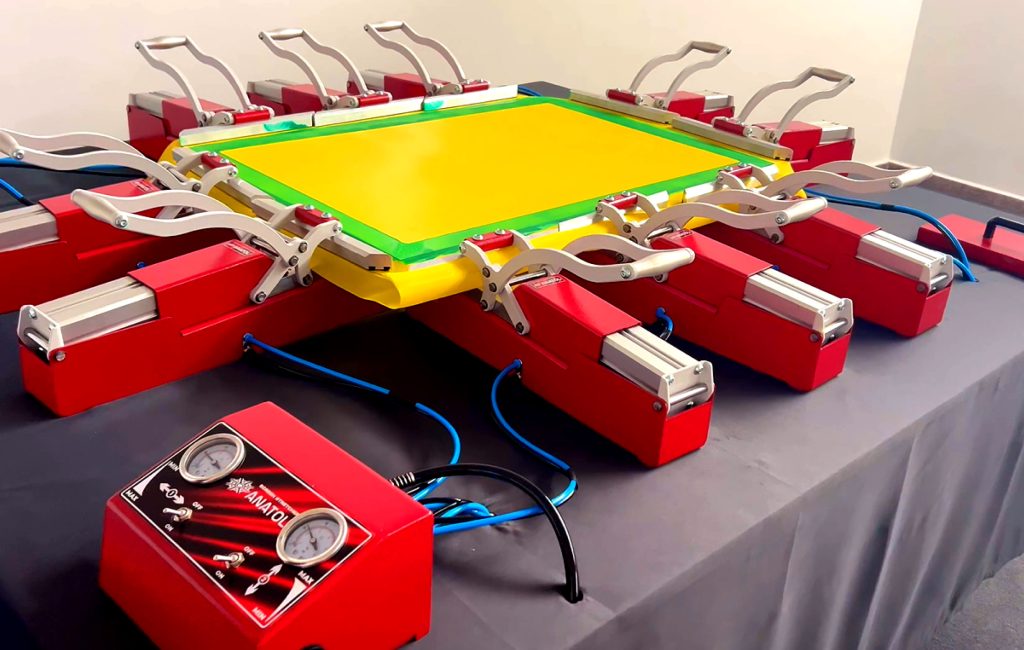
Gradually reduce air pressure to avoid shock relaxation.
Remove clamps carefully.
Use a tension meter to confirm:
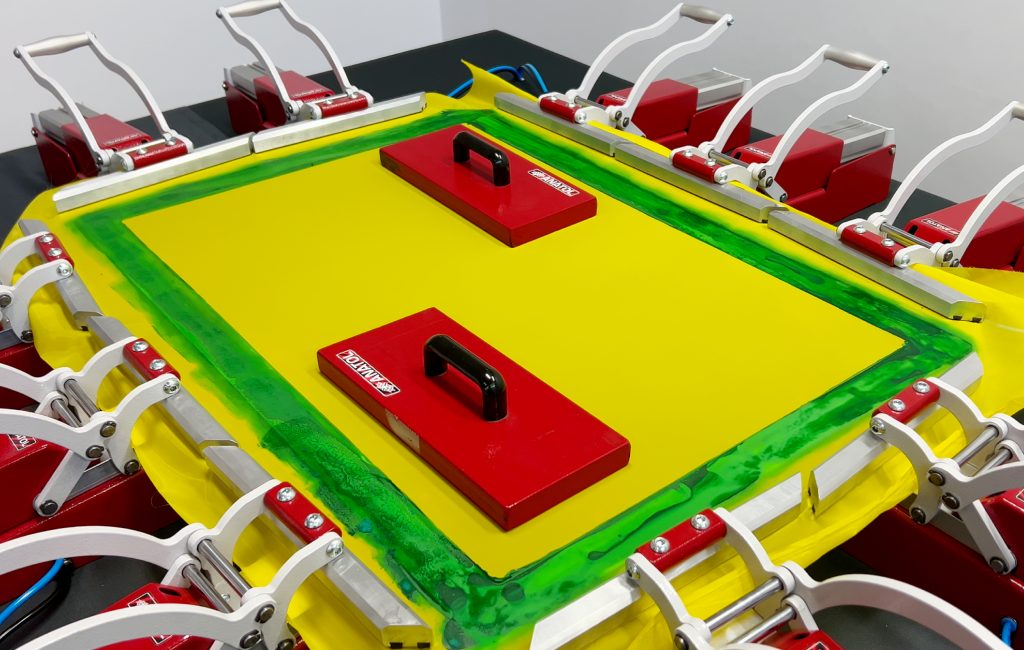
Here’s a video that walks you through the entire stretching process—from positioning the frame and aligning the clamps to reaching and locking in optimal tension—so you can follow along visually as you set up your screens.
Best Practices for High-Tension Printing
✔ Use strong, rigid frames
Aluminum frames handle high-tension better than wooden frames.
✔ Track tension over mesh lifespan
Mesh relaxes after each run. Re-stretching extends screen life.
✔ Use consistent mesh quality
Inferior mesh loses tension quickly.
✔ Train operators
Consistent stretching = consistent printing.
High screen tension is one of the most powerful ways to improve print quality, reduce downtime, and dramatically increase production speed. Anatol’s pneumatic screen stretchers make it easy to achieve and maintain professional-level tension — whether you’re printing underbases, full-fronts, metallics, or high-detail graphics.
By combining proper stretching technique with high-tension best practices and with Anatol’s Screen Stretcher, your shop will see:
Don’t wait—visit the Anatol Screen Stretcher page and submit a Get a Quote request today to streamline your stretching process and boost productivity!
Optimize your screen printing darkroom with Anatol’s VOLT press and automatic coating machines. Learn screen reclamation best practices, determine the right number of screens, and boost efficiency. Streamline your setup to enhance print quality, reduce costs, and handle high-volume jobs effectively. Revolutionize your shop today!
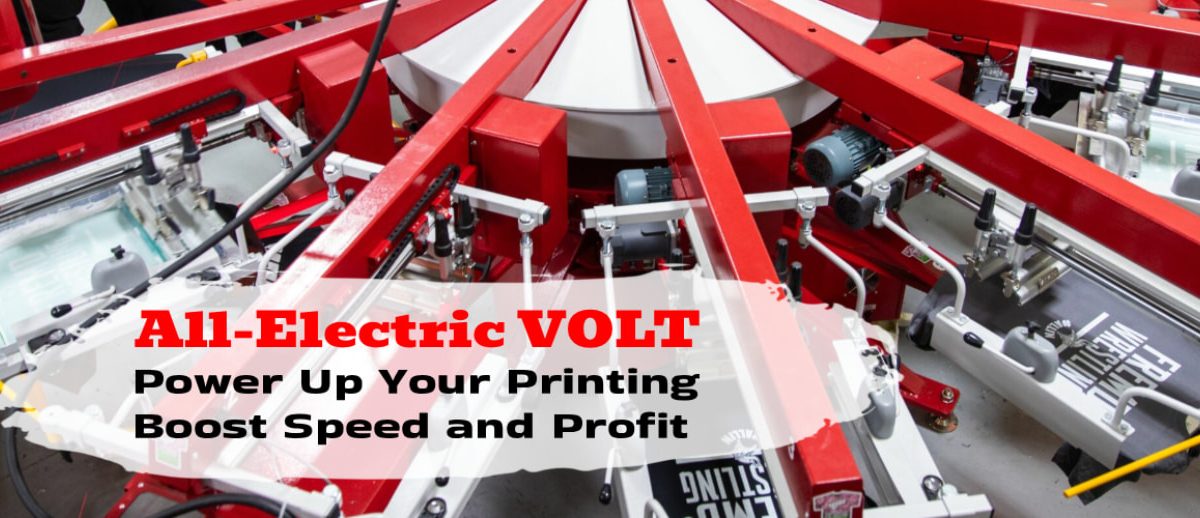
VOLT by Anatol — Supercharge Your Screen Printing, Save Time and Money.
Take back your time, cut your costs, and leave pneumatic problems behind for good.
With Section 179 of the IRS tax code, you can deduct the total cost of qualified equipment you buy in 2025, up to $3,130,000 in total purchases. You can also take advantage of 40% bonus depreciation on both new and used equipment purchased in 2025. Act now before the year ends.
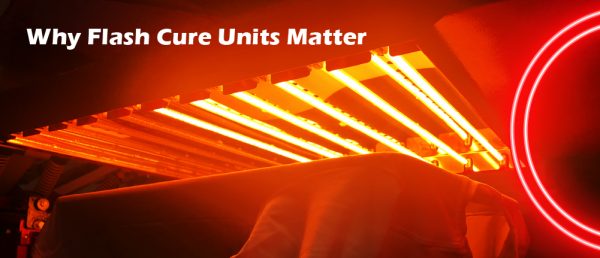
Flashing is a critical step in the screen printing process, especially when working with multi-color designs or specialty inks. It refers to the process of briefly curing the ink between print strokes using a flash dryer.
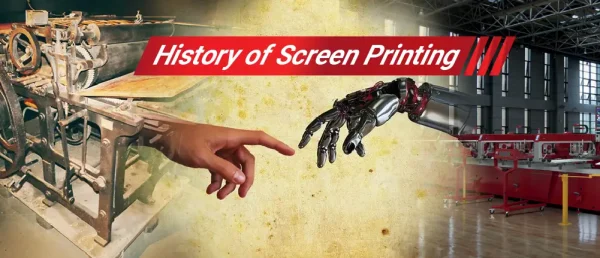
Screen printing, from ancient Chinese stencils to modern automated systems, blends tradition with innovation, creating vibrant, durable designs on various surfaces
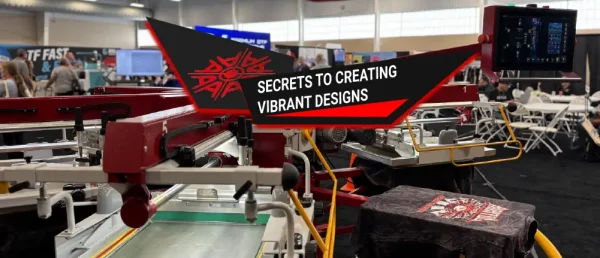
High density printing is a unique screen printing technique that creates bold, raised, and vibrant designs with a premium look. By applying thick layers of ink, it delivers long-lasting colors, tactile appeal, and eye-catching graphics. Discover how this method helps brands and designers produce unforgettable apparel with maximum visual impact.
Discover how to boost your screen printing speed without sacrificing quality. From choosing the right equipment and inks to streamlining setup, curing, and team training, these practical tips help you achieve faster turnaround times while keeping prints sharp and professional.
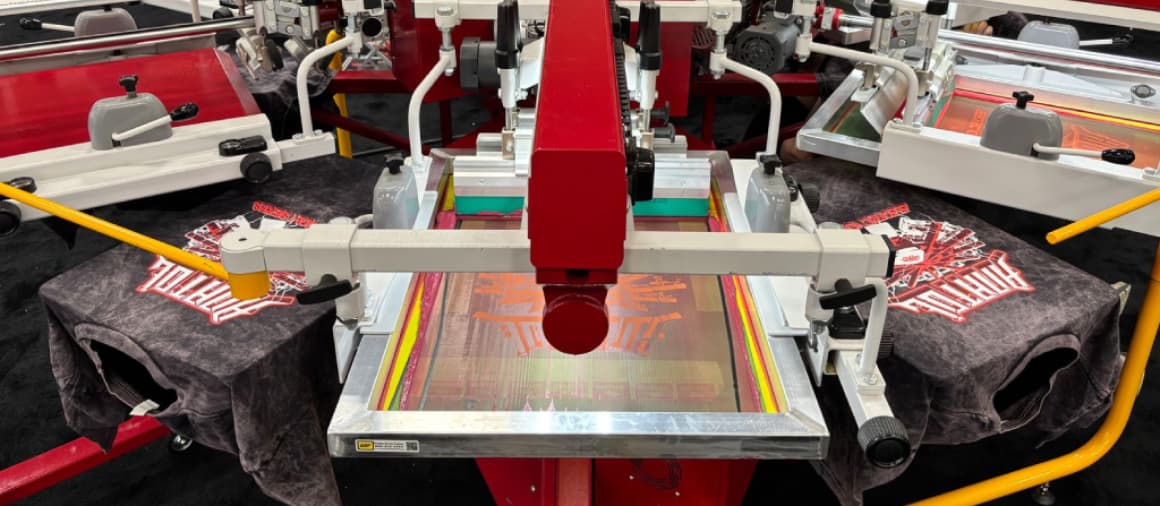
Anatol Automatic Screen Printing Presses: Save time, Energy, and Money For most screen printing shop owners, producing quality prints is the easy part. The real challenge is managing day-to-day operations, meeting business goals, and ensuring your company continues to grow. If your business feels stagnant, it might be time to take a hard look at […]
© 2018-2026 Anatol Equipment Manufacturing Co. All Rights Reserved.
Your message was successfully sent!